Service
Service is where a customer's problem becomes a visit. Someone reports that a machine is jamming or marking copies, you raise a job against that machine, an engineer works it, parts come off stock if they are needed, and the job is cleared and invoiced.
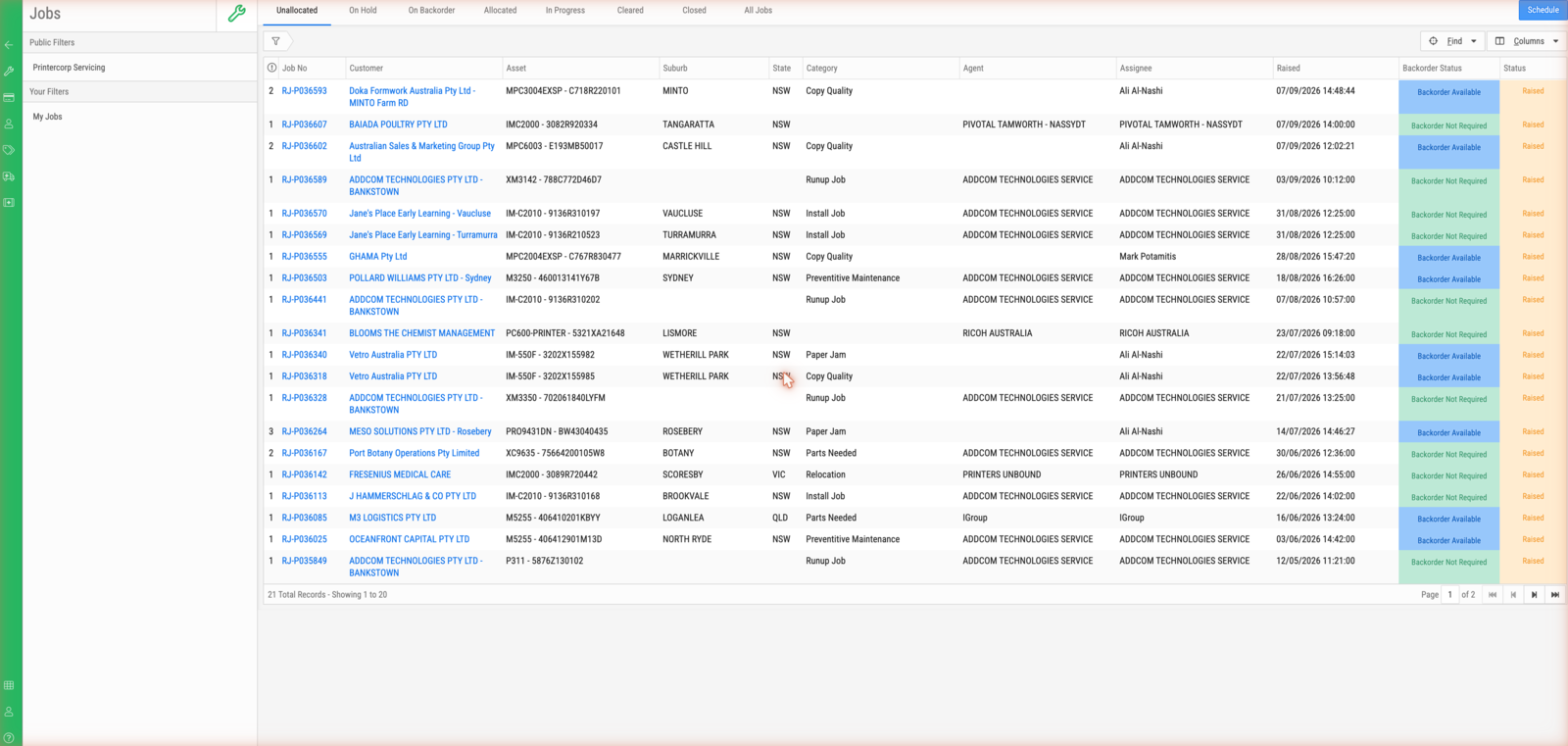
Almost all of that happens on one screen — the Jobs list and the job it opens. The job screen is where work is progressed day to day.
What you can do here
- Raise a job against a customer's asset and put it in front of the right agent.
- Work the queue: see what is unallocated, on hold, waiting on parts, or in progress.
- Progress a job through its activities as an engineer attends.
- Put the parts an activity needs onto it, and see whether they are in stock.
- Order toner and consumables for a machine, from the machine's own record.
- Clear a completed job so it can be invoiced.
What you will meet
A job is the customer's problem — one job per reported fault, raised against
one asset. An activity is a visit: a job has one activity for each attempt at
it, numbered -1, -2 and so on. Almost everything real — the assignee, the
parts, the asset, the charges — hangs off the activity, not the job. A service
agent is the business unit responsible for the work, and an engineer is the
person who attends. An asset is the machine itself — its jobs, its meter
readings and its supply orders all hang off it.
Where to go next
- New to this? Find your way around a service job
- Working the queue? Work the unallocated queue
- Ordering supplies? Raise a supply order for an asset
- Checking a detail? The Jobs index, The asset screen and Job and activity statuses
- Want to know why? How jobs and activities fit together