Billing
Billing is where a signed agreement becomes money. Every month it answers one question for every contract you hold: what does this customer owe us for the month just gone, and for the month about to start?
Answering it is not a single calculation, because the two halves of a typical agreement are known at different times. What the customer pays for having the equipment is fixed and knowable in advance. What they pay for using it is not known until the month is over and the meters have been read. Billing in BMS is built around that split, and most of what looks complicated on these screens is a consequence of it.
The monthly loop
Five records do the work, and they hand off to each other in the same order every month.
- A contract holds the agreement: which assets, what charges, what rates, how often, for how long.
- Its assets and meters record what is out there and what the counters said.
- A billing period is one month of that contract — the unit of work. BMS creates them ahead of time, so a contract's whole future schedule is visible.
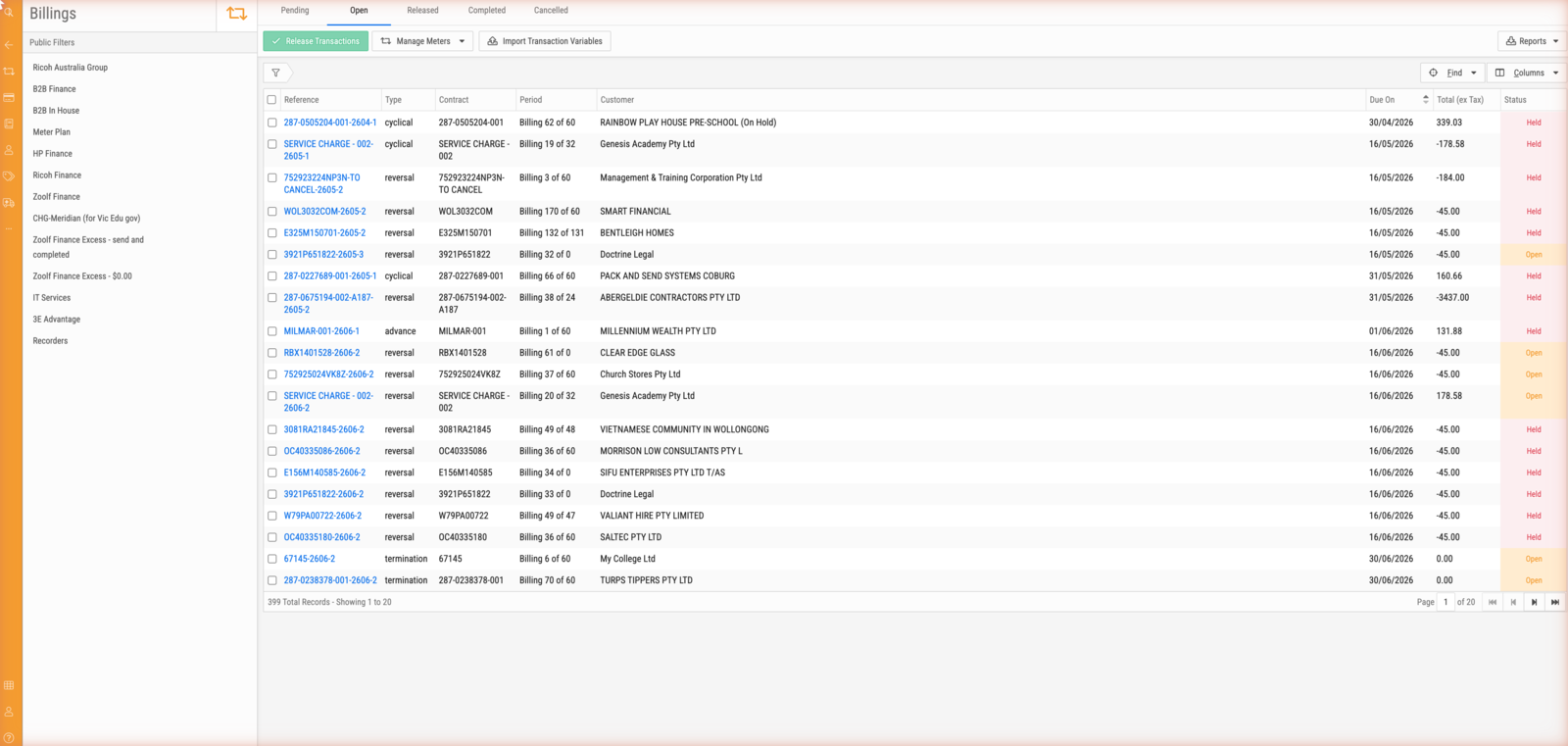
- A transaction is the calculated bill for one billing period: the fixed charges, plus the usage worked out from the meter readings. This is the stage where a person looks at the numbers and can still change them.
- An invoice is what the customer receives, generated from released transactions and synced to your accounting system.
Most of the month, nothing needs a human. Scheduled jobs create billing periods, request meter readings, apply the ones that arrive, and calculate transactions. The work concentrates at the point where transactions are reviewed and released — that is the job the Billings screen exists for.
Where to start
If you are new to billing in BMS, follow Follow one contract through a month. It walks a single real-shaped contract from a pending billing period to a finished invoice, and the vocabulary makes far more sense once you have watched it happen once.
If you want to understand the model, read How contract billing works. It explains the two clocks — the base period and the usage period — that govern every date on these screens, and what BMS does when the readings do not turn up.
If you are doing the monthly work, the how-to guides are written for that: running the monthly billing review, getting meter readings in, and correcting a period that was billed wrong.
If you need a fact, the reference section describes the statuses, the charge structure and the reconciliation settings exactly as the screens present them.
Tip
Contracts with minimum volumes commit the customer to paying for a certain number of copies whether or not they print them. Settling that commitment against what they actually used is called reconciliation, and it has its own vocabulary — minimums, excess, credits — that appears throughout these screens. About reconciliation explains why it works the way it does.