Administration
Administration is the shape of the system rather than the work done in it: who can sign in and what they can reach, how the business is divided into entities, which accounting organisation each entity belongs to, and the settings the other modules read.
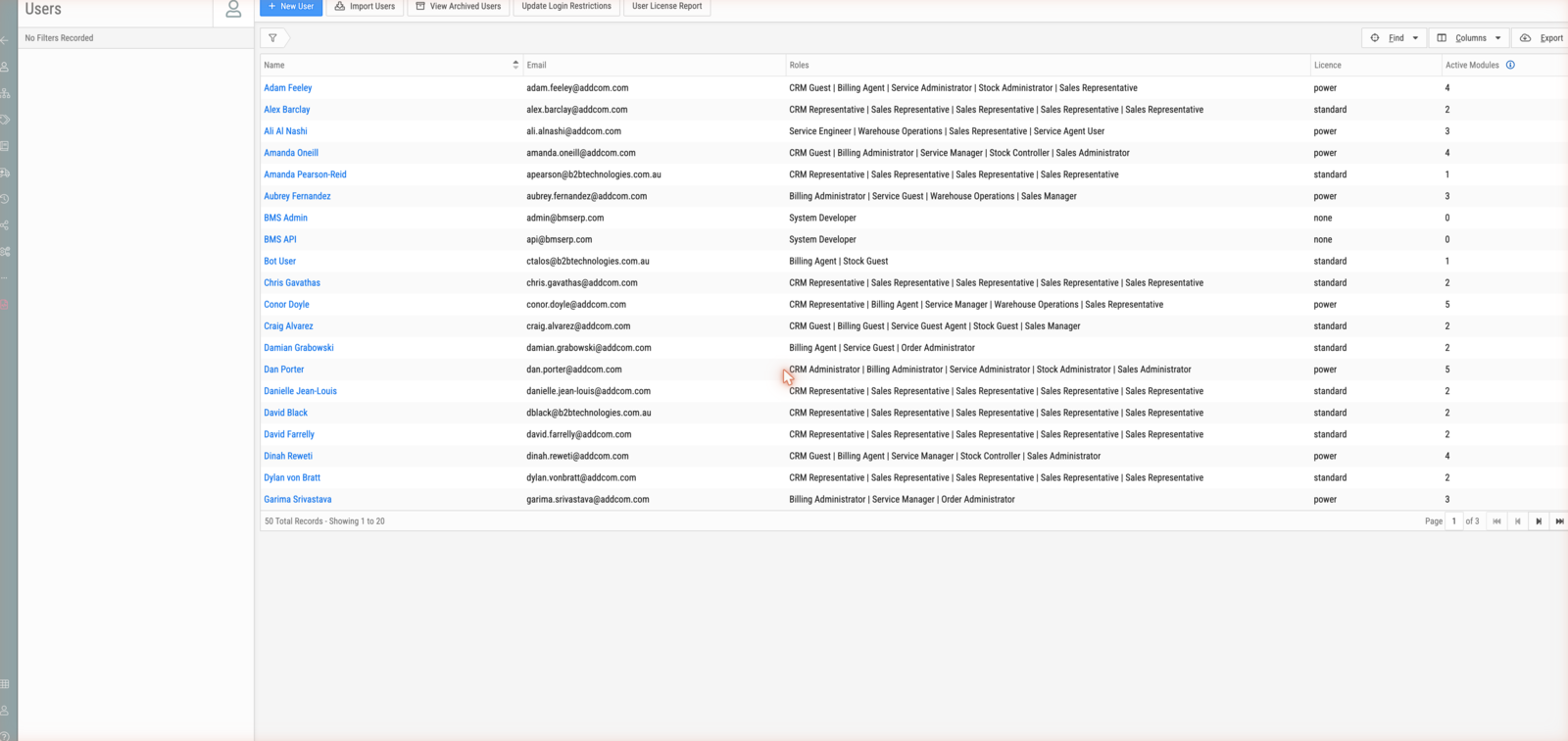
It lives under /admin and opens on Users.
What you can do here
- Create users, give them roles per module, and manage their licences.
- Set up the entities the business trades as, and the organisations they belong to.
- Connect an entity's accounting organisation to Xero.
- Maintain the chart of accounts, tax rates and currencies.
- Import records in bulk, and manage settings, industries and custom fields.
What you will meet
An entity is a trading division — the business unit a document belongs to, and the source of the letter in every document reference. An organisation is the accounting entity behind one or more entities, and the thing that connects to Xero. A role grants access to one module; a licence is derived from the roles a user holds.
Where to go next
- New to this? Trace a document reference
- Setting someone up? Create a user account
- Checking a detail? Users, roles and licences and Entities, organisations and prefixes
- Want to know why? How entities shape everything